Queue Area
Mobile & Desktop
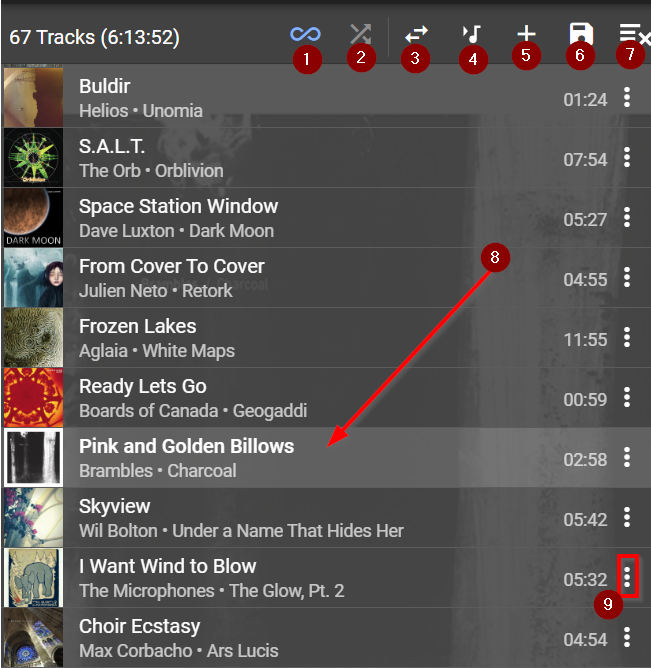
- This indicates that Don't Stop The Music is enabled for this player. If disabled it is replaced with a Repeat icon.
- Shuffle on (blue) / off (grey)
- Move queue to another player
- Scroll queue to current track (8)
- Add URL to Queue - used to add ad-hoc Radio station URL etc
- Save Playlist
- Clear Playlist
- Current Track
- Context Menu
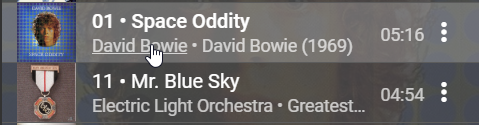
If Queue / Always Show Menu is switched Off in Settings then Artist & Album become hyperlinks which will open in the Browse area
Created with the Personal Edition of HelpNDoc: Generate Kindle eBooks with ease