Pinning
The basic home screen shows only the items you decided on in Settings
Screenshots are of Material in Mobile mode but pinning is exactly the same in Desktop mode
You can pin additional items (not all items are available) to the Home Screen
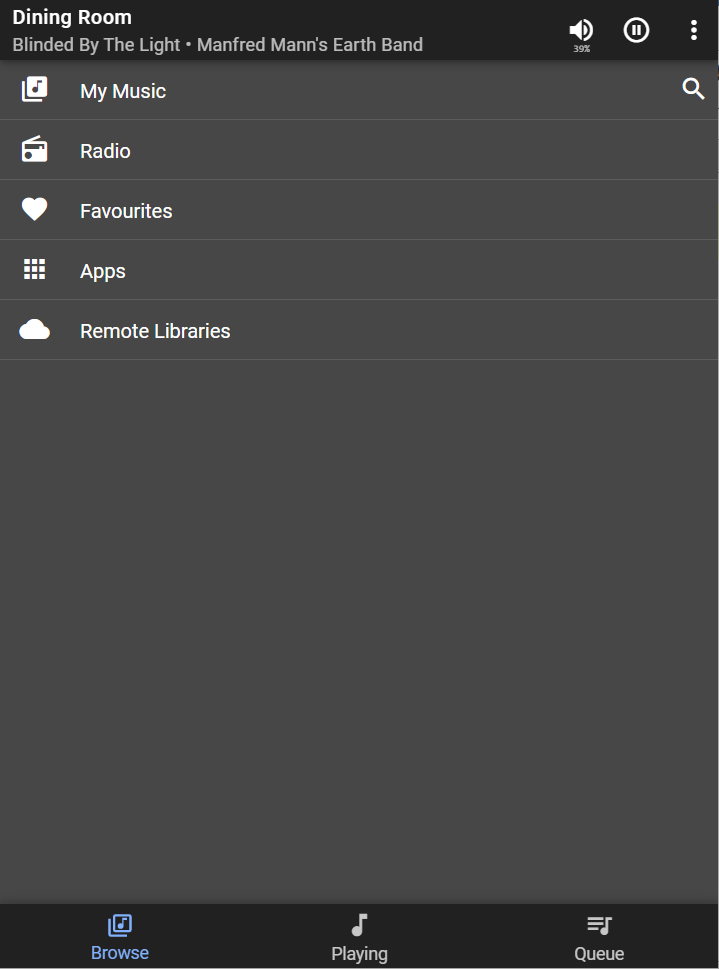
Example
Pinning Spotify to the Home Screen
Navigate to Apps and click the Context Menu next to Spotify and click Pin to home screen

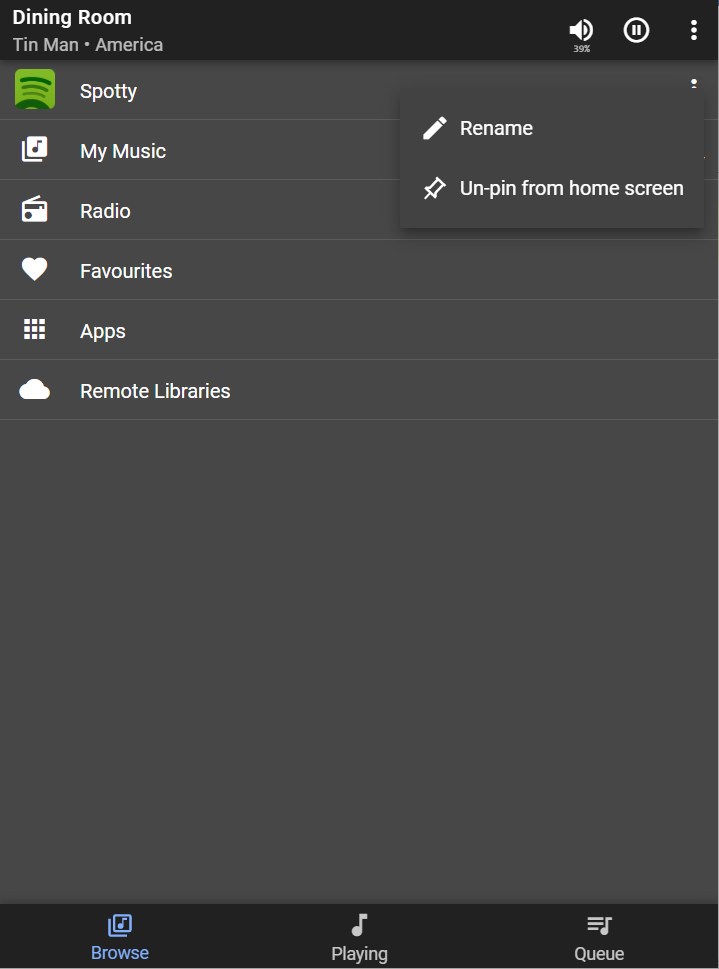
You can rename or unpin any pinned item from the Home Screen by clicking its Context Menu
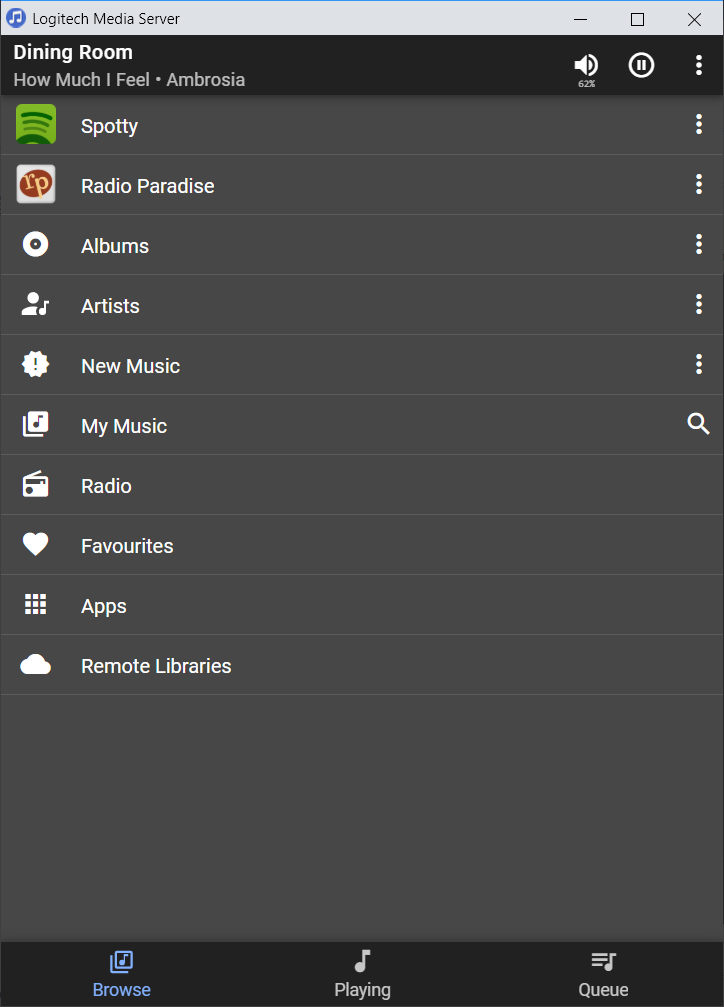
Example Home Screen with multiple pinned items
Spotty
Radio Paradise
Albums
Artists
New Music
All pinned then re-ordered via drag-and-drop
Created with the Personal Edition of HelpNDoc: Free iPhone documentation generator